9. Gaming & Study Hybrid Desk
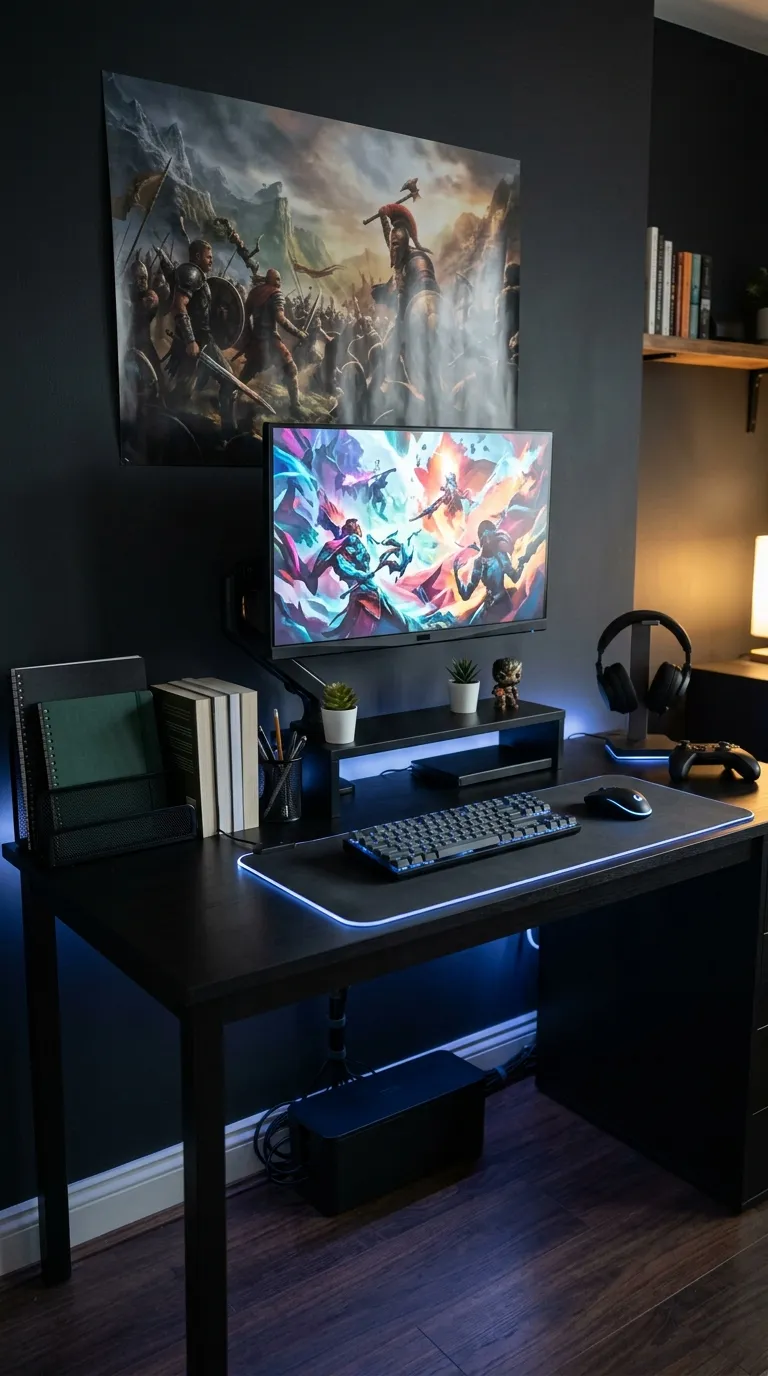
For students who love gaming as much as studying, a hybrid desk setup keeps both worlds organized. Start with a spacious desk (or a corner desk if space is limited) and a large mousepad that doubles as a desk mat. Use RGB lighting strips under the desk or behind your monitor for a cool gaming vibe that’s also great for late-night study sessions.
Organize your gaming accessories and study supplies with separate trays or shelves—keep your keyboard, mouse, and headset on one side, and notebooks, pens, and textbooks on the other. A monitor stand can free up desk space, and a cable management box keeps cords tidy. Add a small LED sign or a poster of your favorite game for a personal touch.
Materials: Large desk, RGB lighting, mousepad/desk mat, trays/organizers, monitor stand, cable box.
Time: 1–2 hours (cable management takes time).
Budget: Medium to high (depends on tech and lighting).
💡 Pro Tip: Use a wireless keyboard and mouse to reduce cable clutter and make switching between gaming and studying seamless.